A free proxy can be useful for a harmless, throwaway test. It is a bad place for logins, personal accounts, payments, private work, or anything that depends on confidentiality.
A proxy sits between your app and the destination. That position is powerful. A proxy operator can often see metadata about where traffic is going, can break poorly secured traffic, can inject delays or errors, and may log more than the user expects.
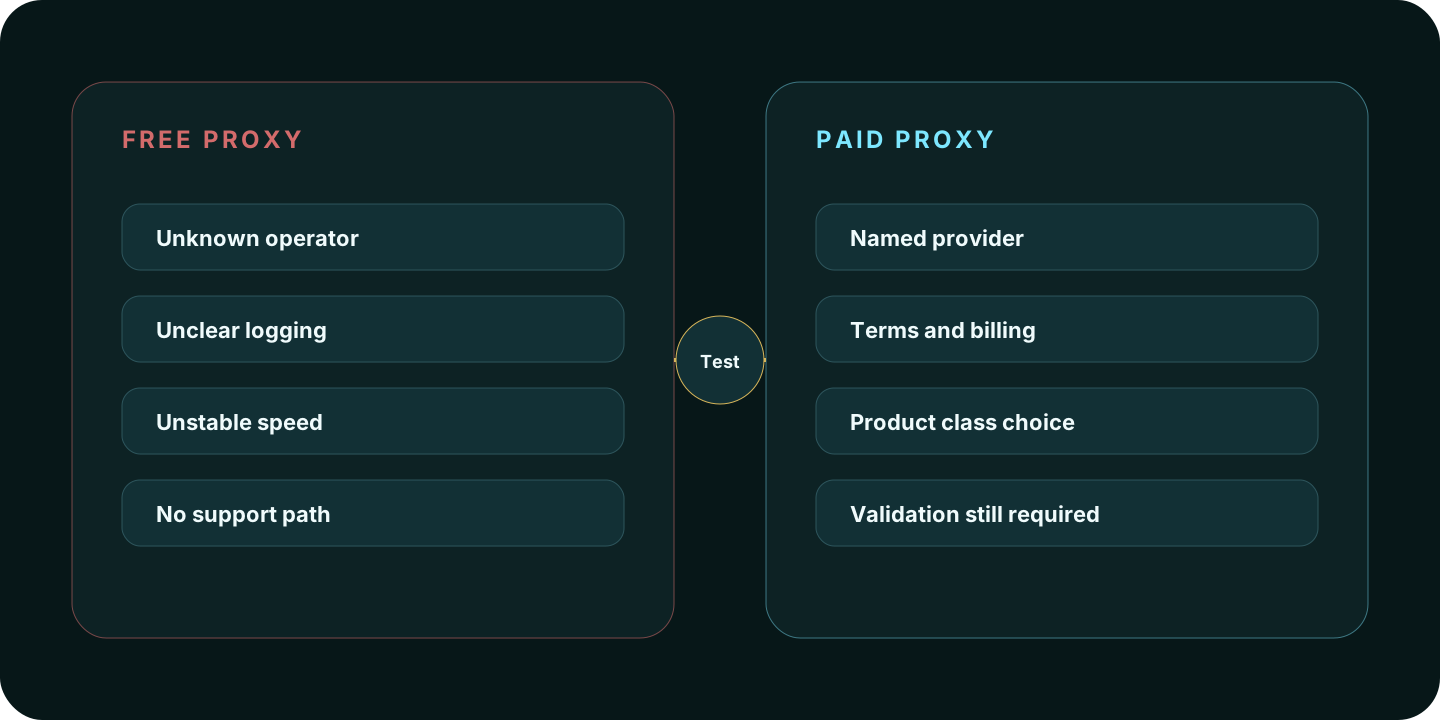
Quick answer
| Question | Free proxy | Paid proxy |
|---|---|---|
| Good for quick tests? | Sometimes | Yes, if the provider is appropriate |
| Good for logins? | No | Only after setup and trust review |
| Reliability | Often inconsistent | Usually more stable, but still provider-dependent |
| Speed | Often slow or overloaded | Usually better and more predictable |
| Support | Usually none | Usually available through the provider |
| Accountability | Often unclear | Clearer billing, terms, and provider identity |
| Best use | Disposable checks | Legitimate workflows that need routing control |
Why free proxies are risky
Free proxies have to be funded somehow. Sometimes they are overloaded public relays. Sometimes they are scraped from open servers. Sometimes they are operated by unknown parties. Sometimes they are bait.
The main risks are:
- hidden logging
- unstable routes
- slow or dead endpoints
- injection or modification of insecure traffic
- malware-adjacent proxy lists
- IPs already abused by other users
- no support when the route breaks
- no clear terms for data handling
A free proxy can change your visible IP address, but that does not make it private.
When a free proxy is acceptable
A free proxy can be acceptable for:
- checking whether a page loads from a different region
- testing a non-sensitive script against a harmless endpoint
- learning how proxy settings work
- verifying that an app can use HTTP or SOCKS routing
- a temporary experiment with no login, payment, or personal data
Even then, treat the result as disposable.
Why paid proxies are usually safer
A paid proxy is not automatically private, but it usually gives you a clearer relationship with the provider: product terms, billing, support, authentication, proxy type, location controls, session controls, and a way to contact the operator.
Paid proxies are more suitable when the workflow needs:
- residential, ISP, datacenter, or mobile proxy type selection
- username/password or IP allowlist authentication
- predictable bandwidth or IP allocation
- session control
- support
- documented terms
- repeatable testing
Paid still does not mean safe for every workflow. You still need to choose the right proxy type and test the browser route.
Paid proxy does not mean private by default
A paid proxy can still be a poor choice if:
- the provider does not explain acceptable use
- pricing or renewal terms are unclear
- the proxy type does not match the target workflow
- the browser leaks inconsistent timezone or language signals
- WebRTC exposes a different route
- the account you use already has a long history tied to another location
Use Proxy Type Selector before choosing a provider, then use IP Lookup and WebRTC Leak Test after setup.
Proxy safety checklist
- Do not use random free proxies for accounts, payments, work systems, or private data.
- Choose the proxy type before choosing a provider.
- Check whether the proxy supports HTTP, HTTPS, SOCKS5, or a provider-specific endpoint.
- Review acceptable-use rules before buying or testing.
- Use authentication rather than open public endpoints whenever possible.
- Test visible IP, ASN, location, DNS, and WebRTC from the app or browser profile that will use the proxy.
- Avoid mixing old browser cookies and account history with a new route.
Free proxy vs VPN
A free proxy and a VPN are not the same thing. A VPN usually creates a device-level encrypted tunnel to a VPN provider. A proxy is often configured per browser, app, script, or tool.
Use a VPN for normal browsing and public Wi-Fi when you want one straightforward route. Use a proxy when one app or workflow needs specific routing and you understand the configuration.
FAQ
Are free proxies safe?
Free proxies are not safe for sensitive traffic. Use them only for low-risk testing where you do not send logins, payments, personal data, or private work.
Can a free proxy steal passwords?
A proxy operator may be able to observe or interfere with insecure traffic, and it can still see metadata about the destination. HTTPS helps protect page contents, but it does not make an unknown proxy trustworthy.
Are paid proxies anonymous?
No. Paid proxies can change your visible route, but they do not erase browser fingerprinting, cookies, account history, or provider-side logs.
Should I use a proxy or a VPN?
Use a VPN for simpler device-wide privacy. Use a proxy for app-specific routing, scraping infrastructure, testing, or workflow-specific location control.
Methodology
How Aerod treats free proxy advice
- Separate price from trust: free does not mean harmless, and paid does not mean private.
- Warn users away from sensitive traffic on unknown free proxies.
- Tie proxy choice to route type, not vague anonymity claims.
- Recommend validation with IP and browser exposure checks after setup.
- Avoid linking directly to provider offers from a safety explainer.